
PunchBox 2 Massive Upgrade!

What’s New
- 4K Support
- Wavetables
- Wavetable editor
- Enable / solo buttons
- Browser UI
- Per Effects Browser UI
- Patchbay Config
- Per Sample Key Tracking
- Portamento
- Mono Bass
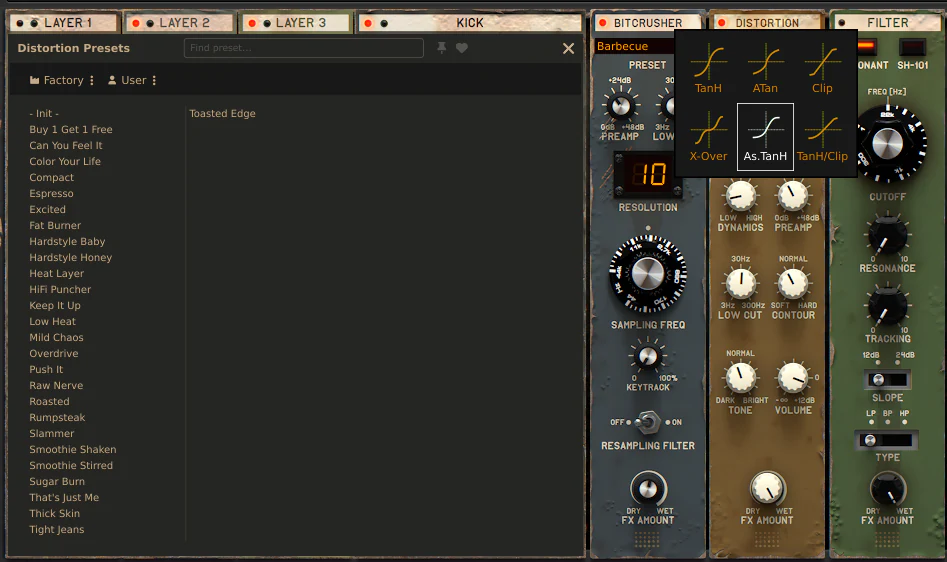
- Distortion Transfer Curve
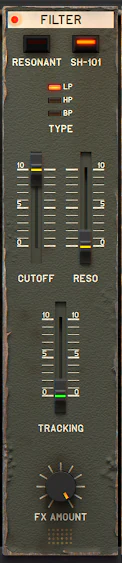
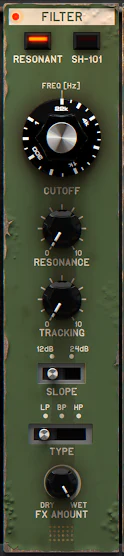
- New Filter
- Ring Mod Per Layer
- Sample Start Per Layer
- Pitch Control On Kick Module
- Bitcrusher Resolution Display
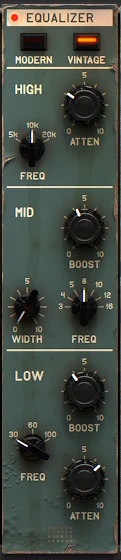
- EQ Modern and Vintage
Wavetables

What was the sine wave has now been expanded to a full wavetable editor! This and many other sections also got a new browser that works per sample, FX, wavetable, you name it! The dedicated browsers look great, with tags and search, and have been a notable improvement in my workflow with the plugin.
Advanced Editor

The advanced editor opens up the 4 possible layers and allows for curve editors for all of the parameters: amplitude, ring modulation (another new feature for sample layers), low cut and high cut. It features a really nice set of curve presets, plus a standard editor with click-and-drag to adjust the curve, double-click to add or remove points. You can view multiple layers at once as well.
Sample Layers
The sample layers got new names, a proper solo bus, and you might have noticed the new ring mod and sample start controls! There is also now per-layer key tracking and the introduction of discrete sliders (before these were knobs) which are a very welcome UI change!
FX Modules
All the effects got a revamp! The Bitcrusher now features a resolution display.
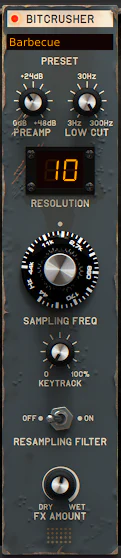
The distortion now has various shape options to choose from, and we can pick between 2 filters, with the SH-101 capable of self-oscillation!
The EQ now has modern and vintage modes. There is now a Mono Bass and there is also a patchbay config at the bottom for setting up how the routing should work (a nice step up from the previous system).
Care has been taken to bring over the previous version’s presets to the newer features. Overall, version 2 is a huge step up!
If you are thinking about picking up PunchBox 2, consider doing it through my affiliate links:
More Articles

FabFilter releases Pro-C 3 compressor plug-in
Pro-C 3 adds six new compression styles, character saturation, and a revamped sidechain EQ with immersive surround support.
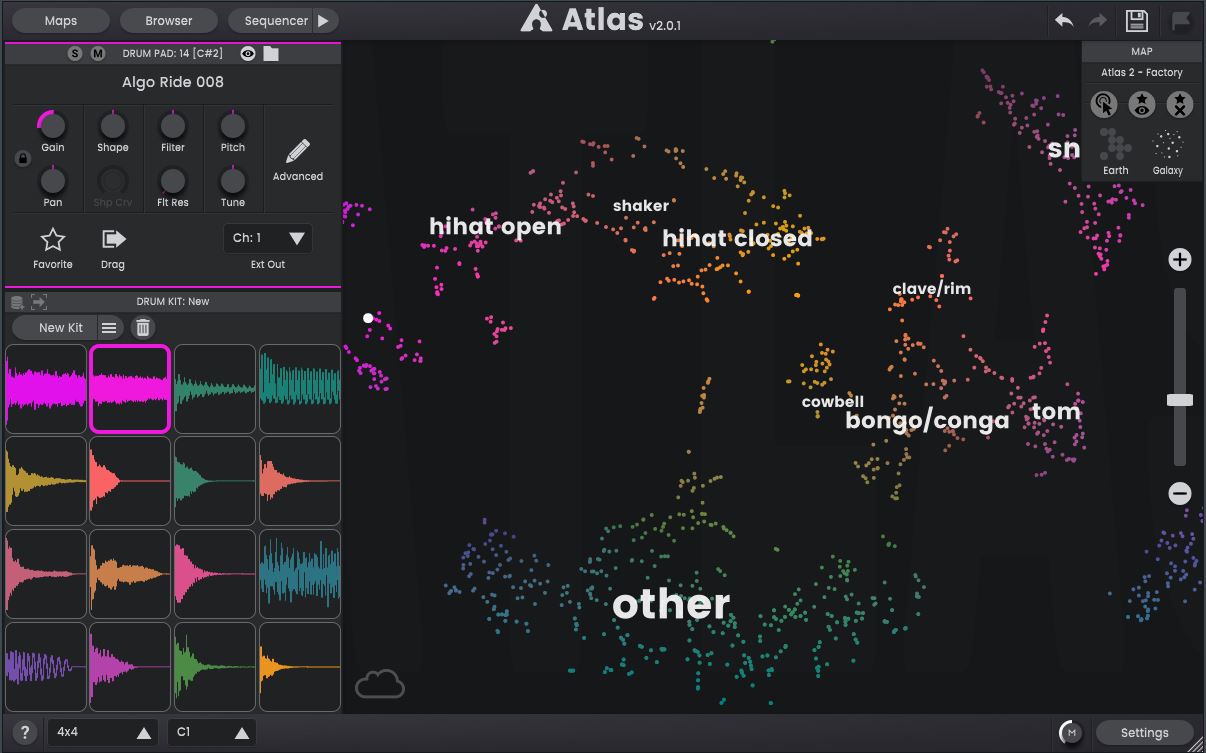
Algonaut Atlas 2
A visual browser for your sample library!
Quartarone Guitar Reveries
A Kontakt guitar library with a cinematic focus on guitars.
Comments